Get the Bigger Picture with
ATAS x AvaFutures
Professional-grade order flow analytics and market transparency, now available to AvaFutures users.
Why Traders Choose ATAS

Deep Market
Connectivity
Trade across all Asset classes on CME, COMEX, NYMEX, CBOT, EUREX and Euronext.

Advanced Volume
Analytics
Unlock 70+ tools including Footprint charts, Volume Profiles, and Heatmaps.

Precision Order
Flow Insight
Analyse 400+ footprint variations and 14 custom chart types including Delta, Range, and Renko.

Powerful Technical
Intelligence
Use 240+ indicators, combining classic TA with advanced volume-based analytics.
How to Activate
Your ATAS x AvaTrade Ultra Licence
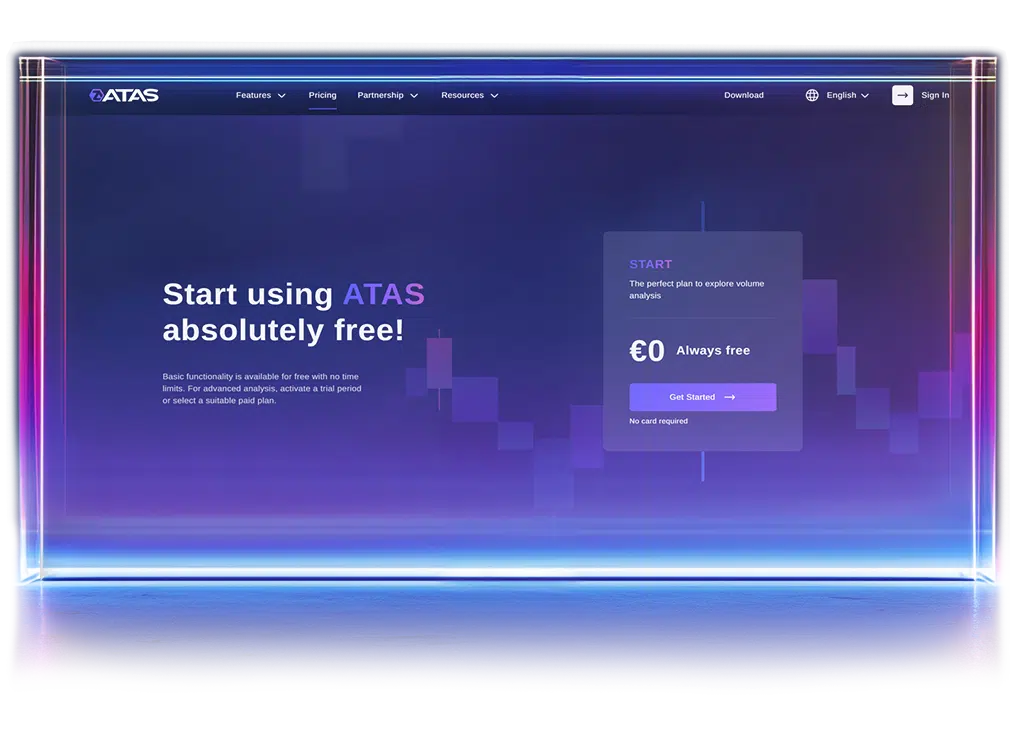
- Step 1
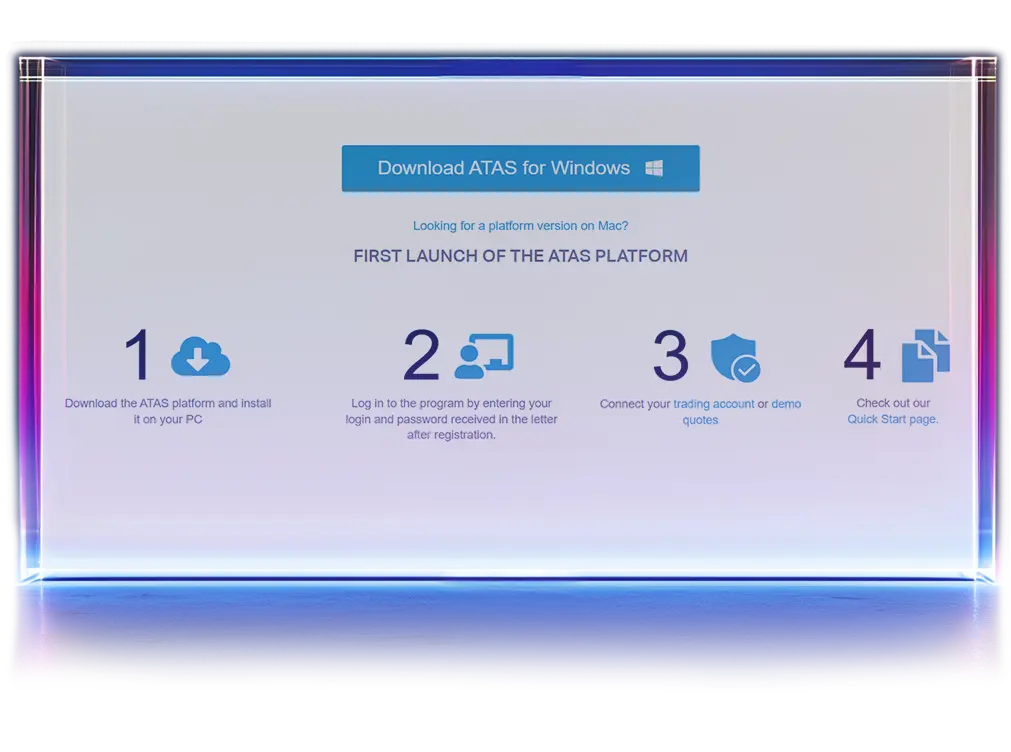
- Step 2
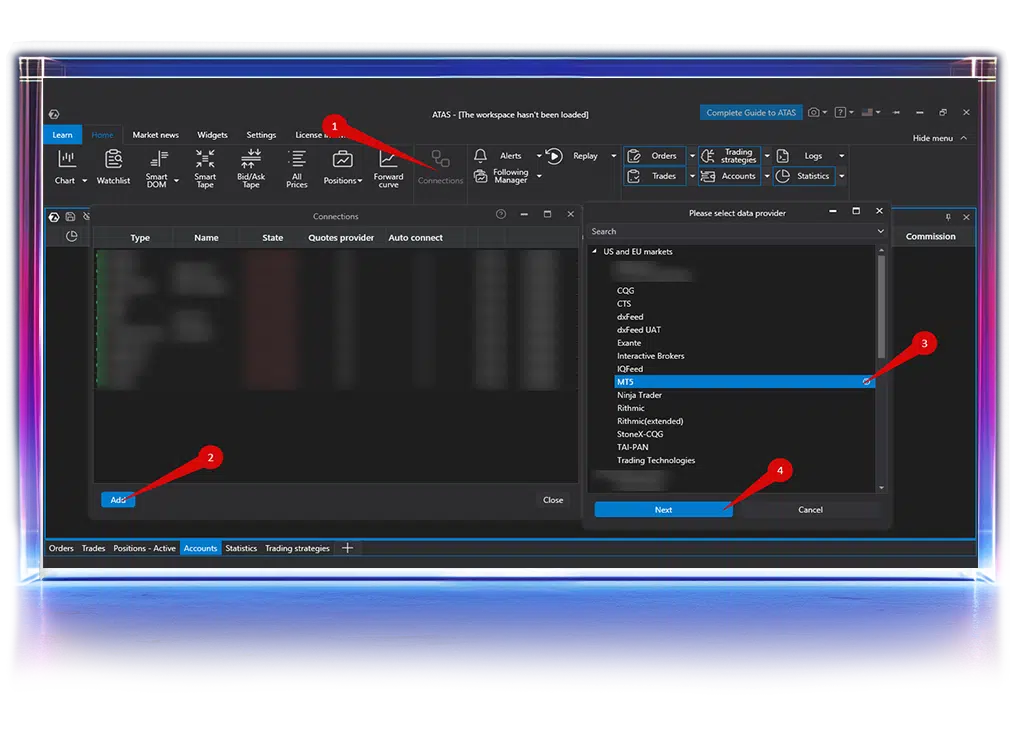
- Step 3
Uncover True Market Insight
Understand what drives every move with real-time market depth, volume imbalances,
and the activity of major participants
and the activity of major participants
Order Flow Visualisation
Smart Tape condenses Time & Sales to highlight aggressive trades, key imbalances, and meaningful market activity.
Liquidity Analysis Under the Microscope
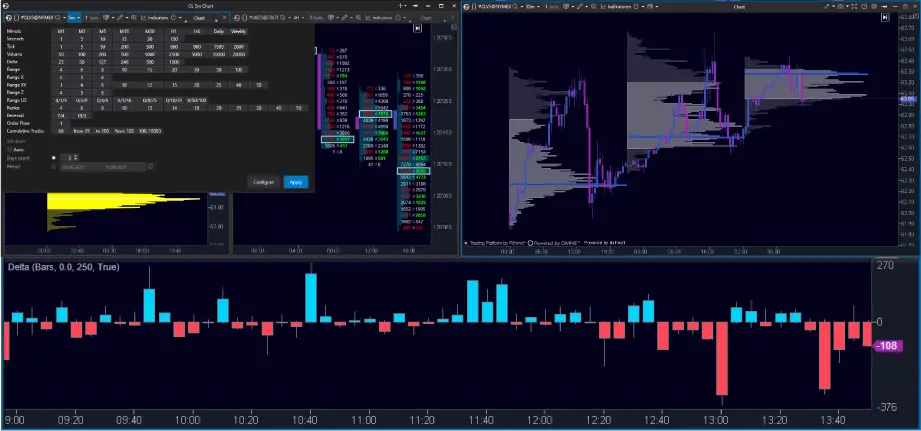
Smart DOM, DOM Power, Heatmap, Volume Profile, and MBO DOM show liquidity in real time. Spot limit orders, key levels, and buy-sell pressure instantly.
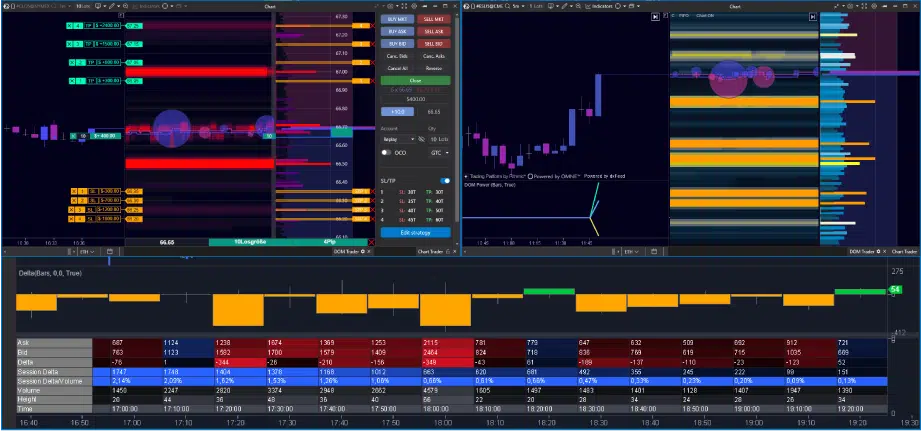
Advanced Indicators
Access 240+ indicators for volume and classical analysis — Cluster Search, CVD, Delta, Big Trades, Stacked Imbalance, and more.
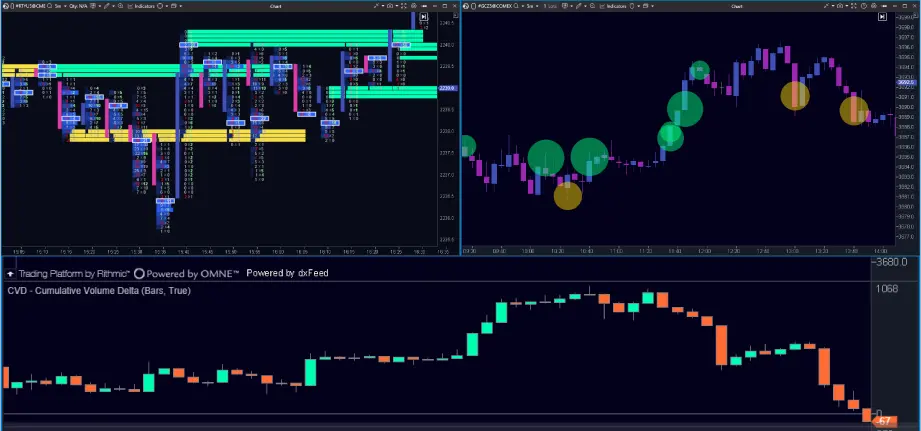
Intuitive Order Management
Trade directly from charts or DOM with one-click execution, flexible risk settings, and full customisation.
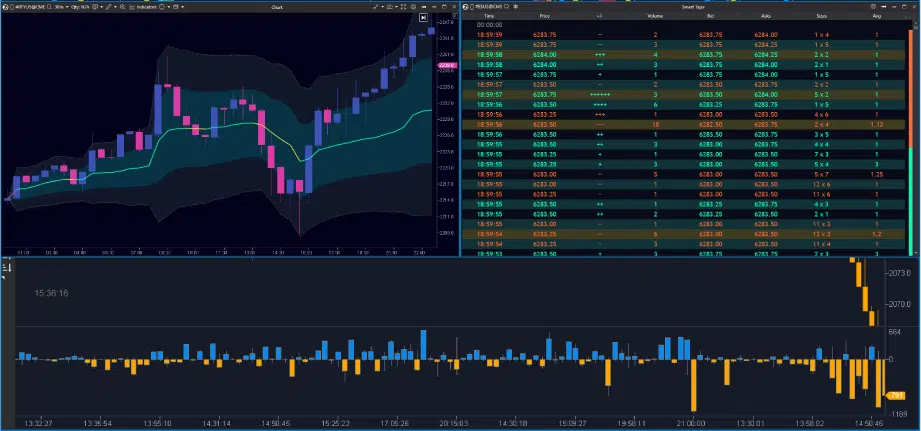
ATAS X AvaTrade,
Wherever You Trade
Use ATAS across Windows devices and connect seamlessly to AvaTrade through MetaTrader 5.
• Windows App
• Desktop Integration
• MT5 Connectivity
• Full Order Flow Suite
• Custom Charting
• Trading Panel Access

Ready to Start?
Activate your ATAS x AvaTrade Ultra licence and access professional-grade order flow, liquidity, and volume analytics for the bigger picture.

ATAS FAQ
Verified AvaFutures users without an active ATAS licence.
Full installation instructions are available in the ATAS Knowledge Base.
Connection is done via MetaTrader 5.
In ATAS: Connections → Add → MT5 → Next.
You’ll be prompted to accept OCO trade behaviour:
OCO orders are simulated locally — if disconnected, unfilled linked orders will not auto-cancel.
Connection Settings Overview:
• Select broker type
• Default local IP used for MT5
• Choose quote provider
• Enable auto-connect (optional)
For more details, see the ATAS Connection Settings guide.

